Learn TrussLab
Choose your editor, make a first edit, and learn how structures, parametric CSG fittings, and purchased parts work together.
Choose your editor
Design an assembly, author parametric CSG fittings, or edit a purchased part’s mate interfaces.
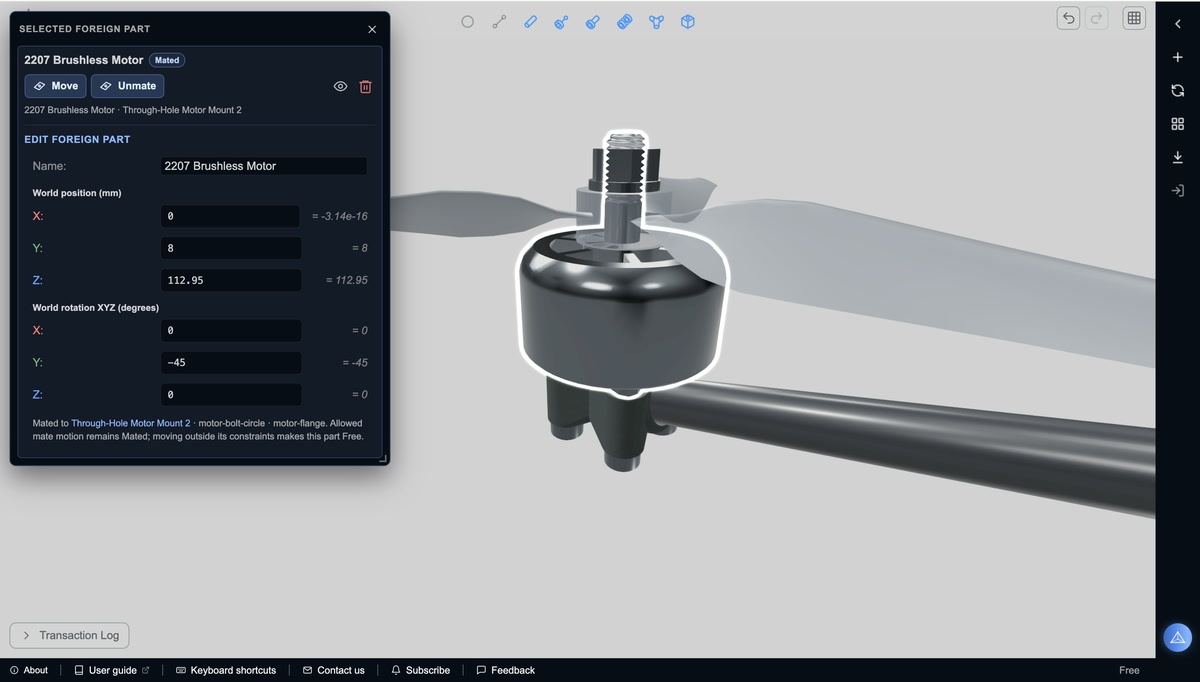 Frame Editor
Design the structure.
Connect nodes and links, choose stock members, and assemble printable joints with purchased components. Reactive dimensions keep the structure editable as the design changes.
Learn the workflow
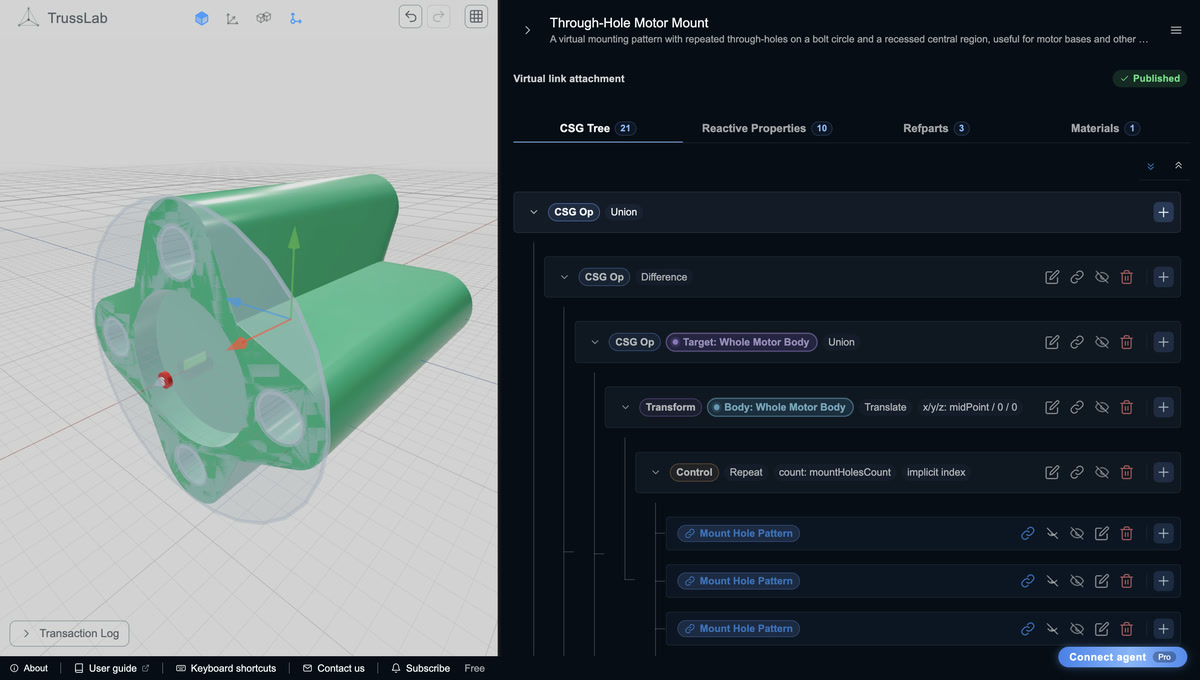 Attachment Editor
Build parametric CSG parts.
Author constructive solid geometry (CSG) from primitives, Boolean operations, and transforms. Drive dimensions with parameters and expressions, then reuse the resulting joints, mounts, and fittings across frames.
Learn the workflow
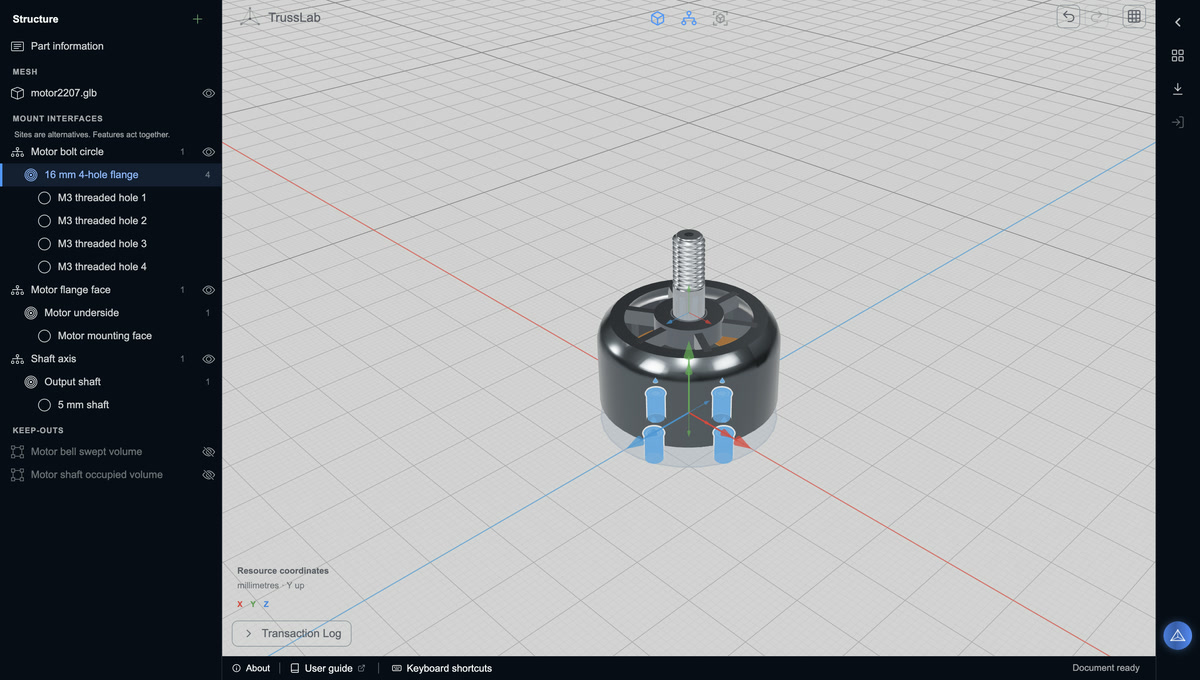 Foreign Part Editor
Define how purchased parts mate.
Import a component’s GLB mesh and author its mate interfaces. Edit mounting sites, typed features, dimensions, and local poses so motors, rails, and hardware align with compatible parts in your assembly.
Learn the workflow
Start here
Make one successful edit and learn how to explore safely.
Understand the model
Follow the story from a structural skeleton to reusable fittings and printable joints.
Build something
Practice an edit, assemble purchased parts, or author a reusable component.
Reference
Jump directly to exact definitions and controls when you know what you need.
Manufacture and assemble
Turn an inspected design into physical parts and evaluate your manufacturing process.
Use an AI agent
Understand conversational modeling, prepare an assistant, or connect MCP.
Get occasional TrussLab updates, or send questions and build notes directly.
Subscribe to our newsletter