Parametric spaceframe CAD

A CAD environment for printable spaceframe structures.

Design structures from logical nodes and links, generate printable joints and attachments for stock material, and explore changes through a reversible history.

PRINT_COMPLEXITY · BUY_LENGTH
Our approach

Print the complexity. Buy the length.

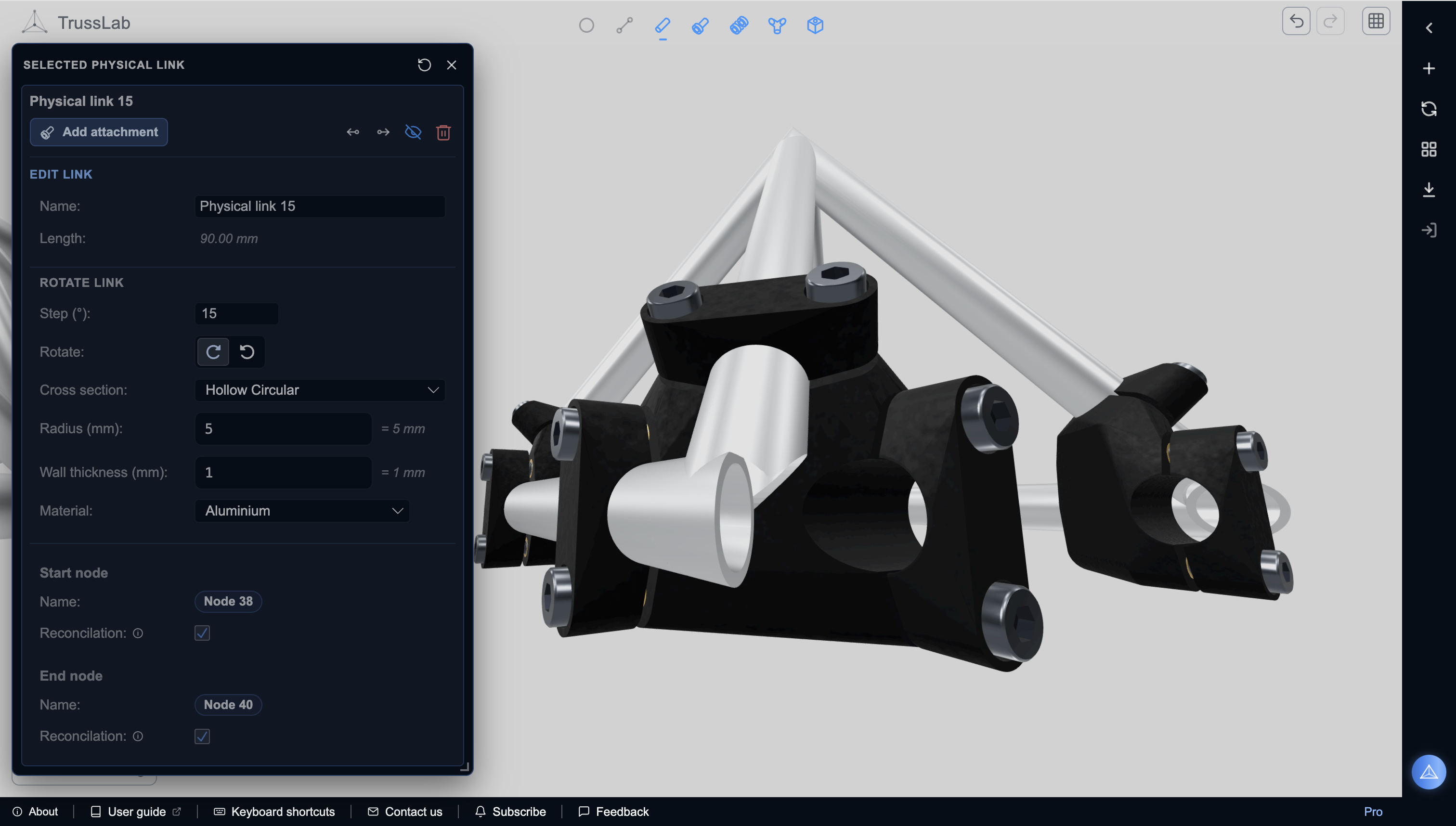
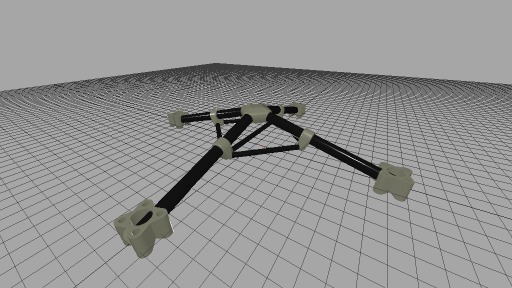
Large printed structures quickly run into material, time, chamber, and distortion limits. TrussLab starts from a different assumption: use stock tubes and profiles for simple length and strength, then use printed parts for the complex nodes, joints, sockets, mounts, and interfaces. Joint geometry is generated from the structure, so members can meet at any angle, not just 90°.

Material where the load is. Space where it isn't.

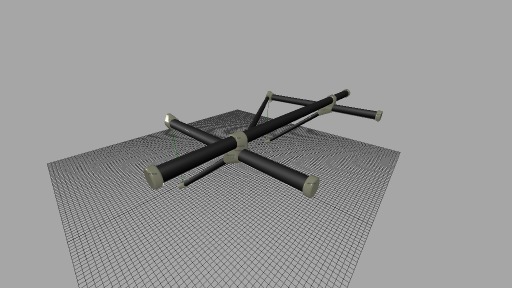
Spaceframes put material along load paths and leave empty space where material is not doing useful work. A triangulated frame gets its stiffness from geometry, not from the strength of its corner joints. It is an old, proven structural idea. TrussLab makes it easier to use with modern additive manufacturing by generating the hard geometry in the printed parts.

What TrussLab does

The logical structure stays visible. So does the history.

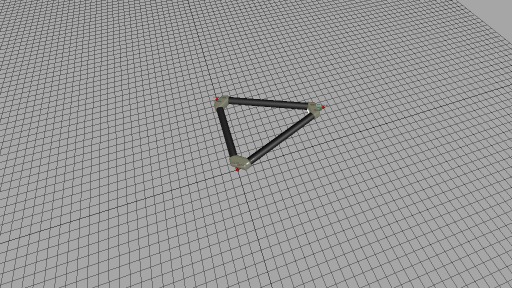
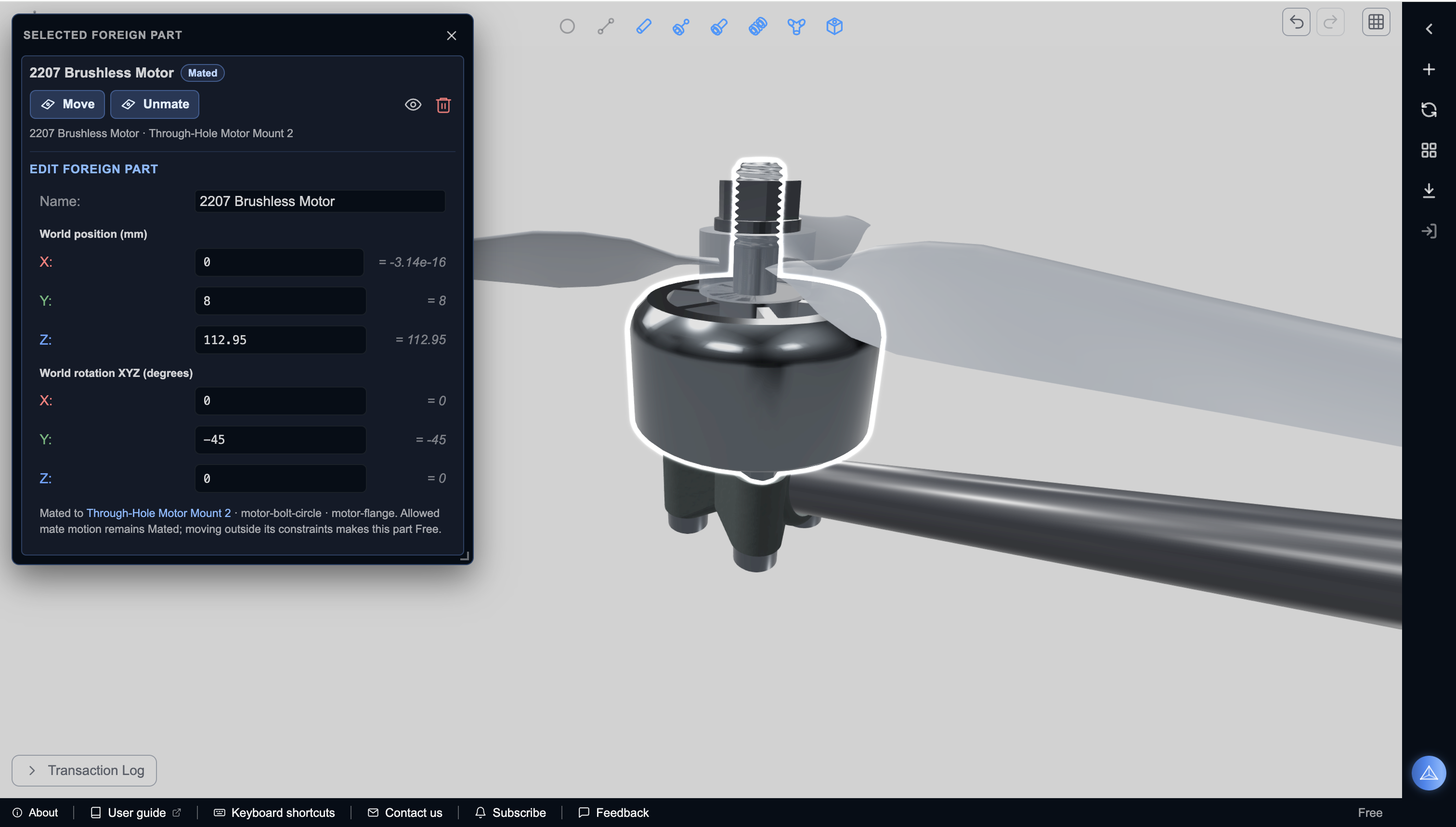
Frames is the first editor inside TrussLab. Instead of forcing a frame to become a collection of unrelated solids, it keeps the logical structure visible: nodes, links, physical members, attachments, joints, and parameters. Try a change, inspect the regenerated model, and step back if it was the wrong move.

New to the workflow? Start with the Getting Started guide. When you need the exact meaning, properties, or relationships of an editor concept, use the Frame Editor Reference.

01

Define the logical frame first.

02

Generate physical links, joints, sockets, and attachments from that model.

03

Link lengths and clearances stay consistent with the underlying structure.

04

Use attachment palettes to assemble designs like a modular construction kit.

05

Open narrated presets that show how examples are built.

Manifest

Designing Structures That Want to Be Printed

Why the Frames editor in TrussLab grew out of large printers, spaceframes, and the limits of "print everything".

A few years ago I was trying to build large delta 3D printers, and the frame kept beating me. Not the electronics, not the motion system, not the firmware. The structure. Once a machine grows past a certain size, the frame stops being background hardware and starts deciding whether the printer is a tool or an experiment that needs constant nursing.

By large I do not mean desktop machines made a little taller for marketing reasons. I needed genuinely useful working volume and enough stiffness to keep print quality under control, without turning every prototype into an expensive machining project. At that scale small alignment errors show up directly in the print, vibration becomes hard to ignore, and the mechanical structure quietly sets the ceiling on everything else.

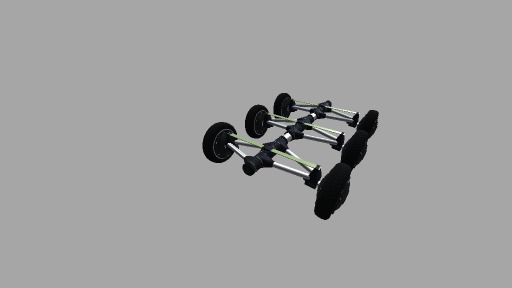
The answer that finally worked was a spaceframe chassis built from stock tubes and 3D printed joints. The tubes supplied length, straightness, and stiffness, so the printer never had to manufacture bulk material. The printed joints handled the awkward three-dimensional geometry: tube angles, mounting features, clearances, and local interfaces. With a basic tube cutter and a 3D printer, I could build a structure far more precise and serious than the simplicity of the tools suggested.

That changed how I saw additive manufacturing. The printer did not need to print the whole machine. It needed to print the parts where geometry was difficult and relationships were dense: nodes, joints, mounts, and interfaces. Everything else could be bought by the meter.

Print the complexity. Buy the length.

The Problem With Printing Everything

For a long time, 3D printing was sold as the future of manufacturing, and the promise was not completely wrong. The technology improved dramatically. Machines became faster, cheaper, more reliable, and capable of better materials. Desktop printers became useful engineering tools, and industrial machines became more accessible than they had been only a few years earlier.

The disappointment came from stretching that promise into the idea that we should print complete objects as often as possible. That works beautifully at some scales and for some classes of parts. It works much less well when the object is large, structural, and mostly made of volume that does not need to be complex.
Business

Building something with TrussLab?

If you are evaluating the workflow for fixtures, furniture, production, or a team or shop, we would like to hear what you are building. Direct line, no forms.

Prefer email? info@trusslab.ai

WhatsApp business contact QR code Scan to chat on WhatsApp
FAQ

Questions?

01

What is TrussLab?

TrussLab is a design environment for printable spaceframe structures. Frames is the first editor inside it for working with nodes, links, joints, and printable attachments.

02

Do I need CAD experience?

No. Building a structure in Frames is closer to assembling a modular construction system than sculpting solids: you connect nodes and links, drop in ready-made printable attachments that auto-adjust to their parent members, and the editor handles the geometric bookkeeping.

03

Do I need to install anything?

No. Frames runs in your browser. Open it from this site, start from a preset or an empty model, and begin editing. No desktop install or account is required to try it.

04

What stock does it work with?

Frames is built around circular tubes and rods. The material is up to you: aluminum, carbon fiber, steel, or wooden dowels all work, as long as the diameter matches what the printed joints were designed for.

05

Can members meet at any angle?

Yes. Joint geometry is generated from the logical structure, so members can meet at arbitrary angles. Diagonals, triangulated bracing, and non-orthogonal frames are the normal case. No mitered cuts, angle brackets, or special fixtures required.

06

How stiff is it compared to aluminum extrusion?

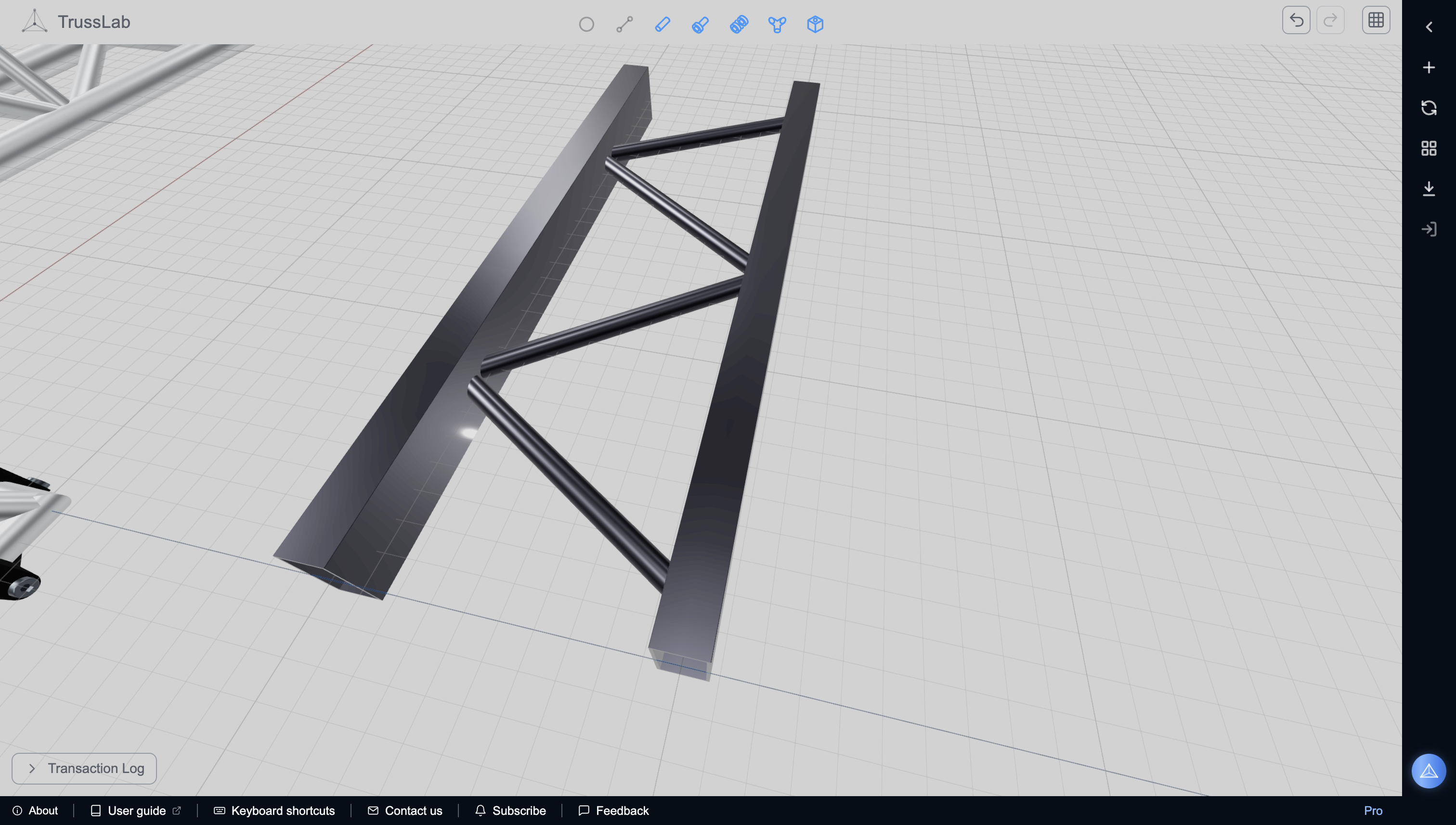
In a triangulated spaceframe, stiffness comes from geometry: members are loaded mostly along their axes, so joints see compression and shear rather than bending, which is why printed joints work. Orthogonal extrusion frames without triangulation rely on the rotational stiffness of their bolted corners, and a thin-wall round tube is also stiffer per weight than a slotted profile of the same mass.

07

Do the joints have to be printed plastic?

No. TrussLab generates the joint geometry; how you manufacture it is up to you. FDM plastic is the accessible default, but the exported parts can also be SLS or SLM metal printed, or CNC machined when the shape allows.

08

How do I mount things to the frame?

With clamp-on and snap-on attachments that can sit anywhere along a tube, at any rotation angle. A round member is a continuous mounting surface in every direction, where a slot offers fixed planes at fixed angles. If the palette lacks the mount you need, author it once in the attachment editor and reuse it.

09

What tools do I need to build a frame?

A 3D printer, a simple tube cutter, and a solvent-free epoxy. That is the entire toolset, even for two-meter machine frames. A tube cutter parts steel or aluminum tube cleanly with no noise, chips, or dust, so the whole build can happen at a desk. See the assembly guide for the full workflow.

10

What can I build with it?

Machine frames, mounts, brackets, modular frame systems, drone structures, workshop fixtures, and other lightweight assemblies where printed joints connect stock members along defined load paths.

11

How do presets work?

Each preset replays its own construction as a narrated walkthrough, so you see the decisions behind the structure, not just the result. From there, adjust the exposed parameters or edit the model freely.

12

Can I design my own reusable pieces?

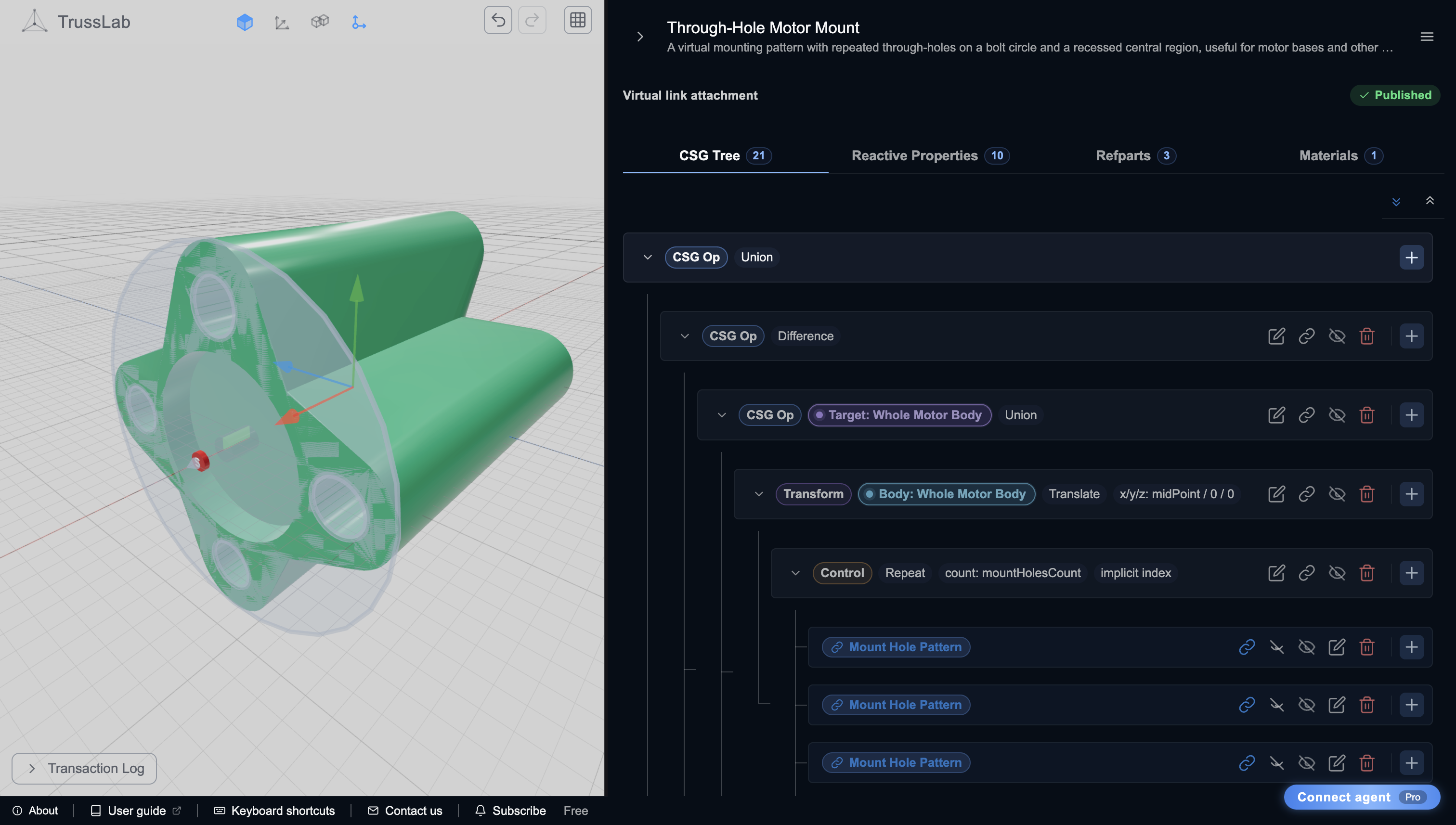
Yes. Attachments are the construction-kit pieces of Frames, and you can author your own in the built-in CSG editor: model a custom joint, mount, or interface once, expose its parameters, and reuse it across structures like any piece from the palette.

13

Can I export parts for printing?

Yes. Frames exports printable attachment geometry as STL or 3MF, packaged with a bill of materials and manifest so you can print joints and cut the stock lengths your model expects.

14

Can I use this at work?

Yes. TrussLab is free while in beta. Commercial licensing and advanced features for professional use are planned.

15

Can I safely try big changes?

Yes. Frames records edits as reversible transactions. You can try parameter changes, attachment edits, or full-frame reconciliation, inspect the result, then undo the last step or return to an earlier point in history.

16

Where does my work go?

Your models save locally in the browser with auto-save and transaction history. Nothing you design is uploaded to our servers.